 Creative Suite
Ask
Say what you want. Add photos, files and links, or bring just the idea.
Creative Suite is one window where an AI agent drives real creative apps for you. Say what you want, sketch it on the board, and watch every click in the live app view. Or jump in and work the same apps yourself.
macOS and Linux. Apps install on demand.Talk to it like you would to a designer, and attach photos, files or links. A few things people ask for on a weeknight:
No style in the brief? The agent lays out a spread of takes on the board for you to pick or mix. It won't invent a brand it can't see.
Say what you want. Add photos, files and links, or bring just the idea.
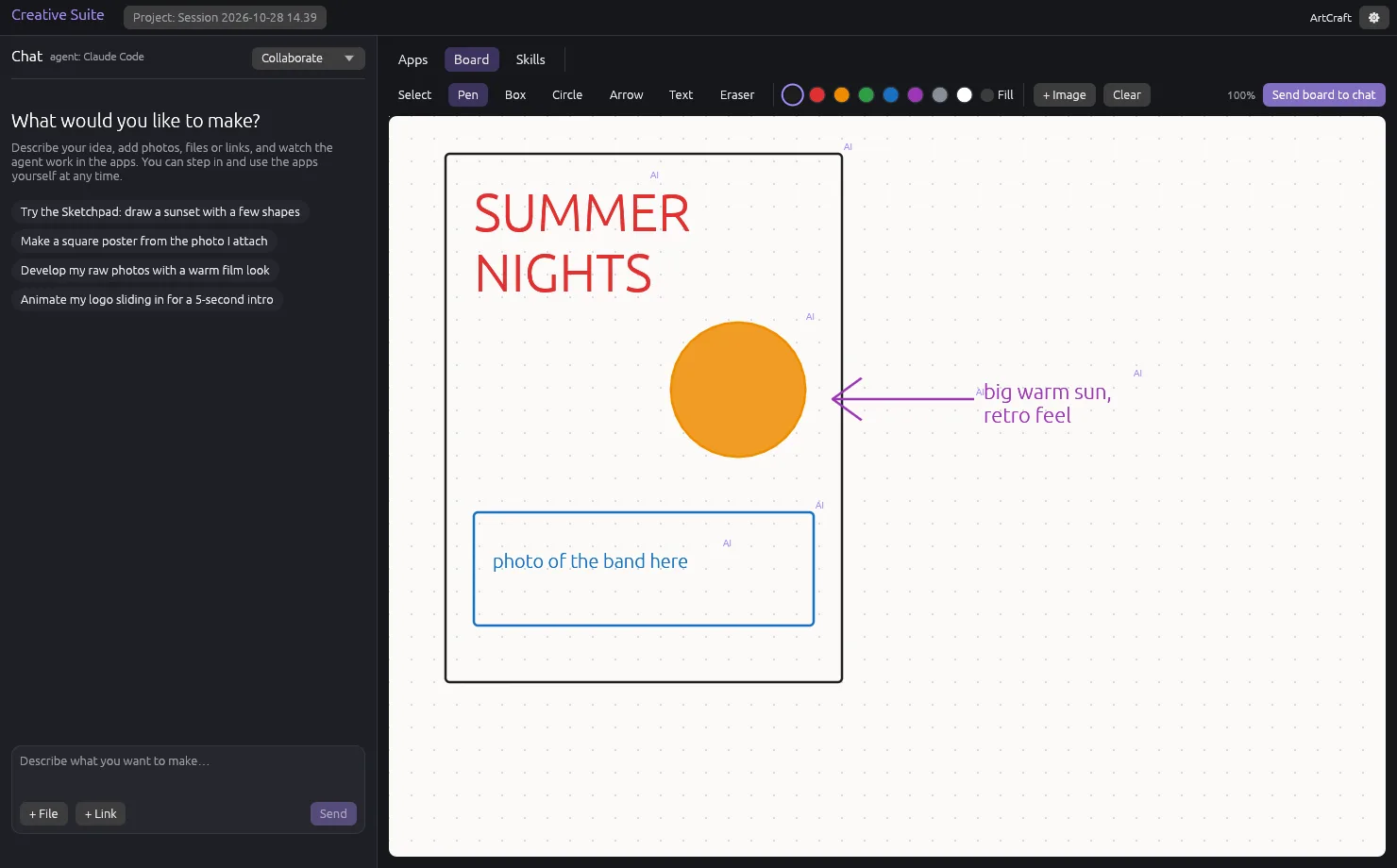
Boxes, arrows and notes on the board become part of the prompt. The agent draws back.
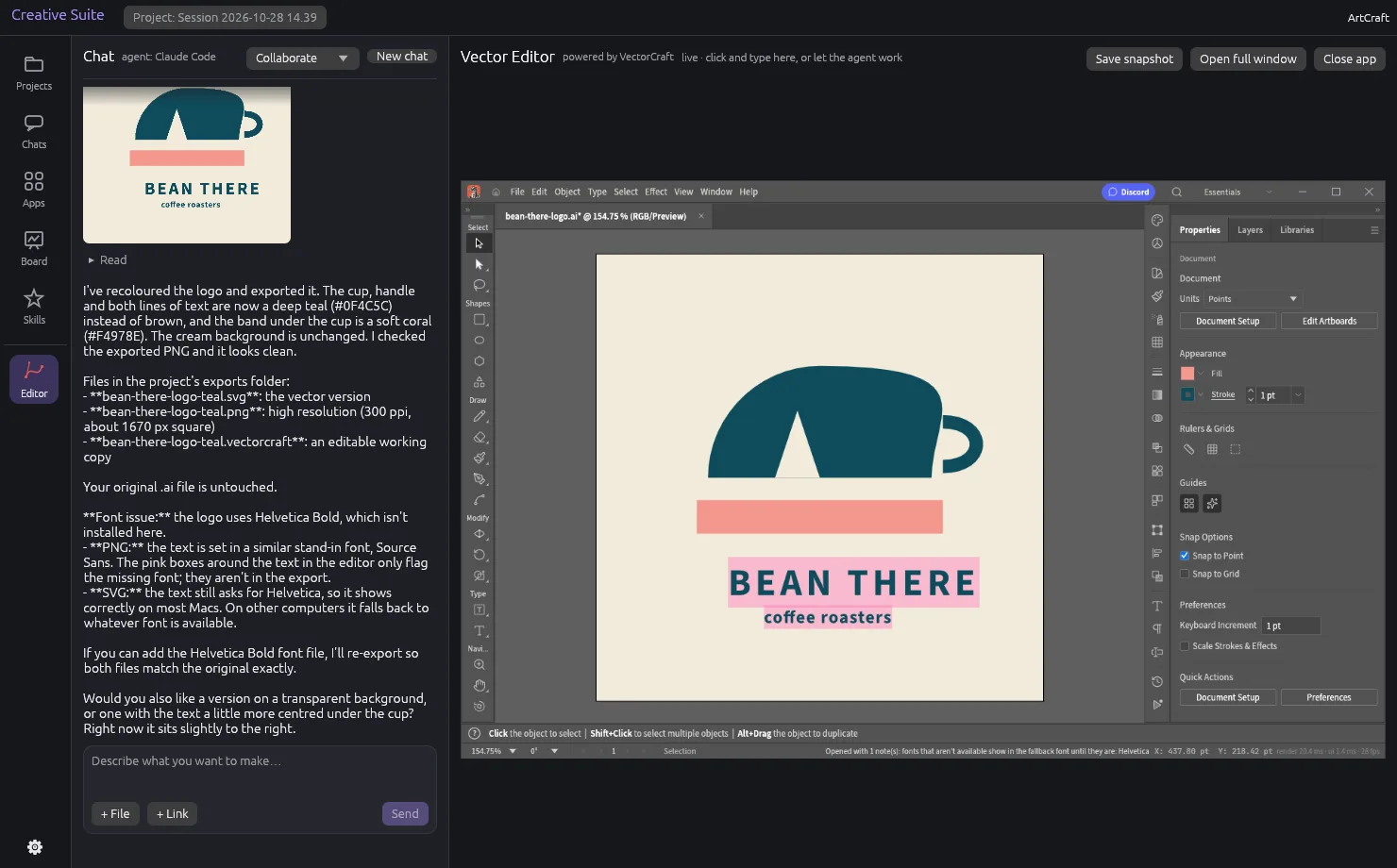
The real app, mirrored live, every click as it happens. Jump in any time.
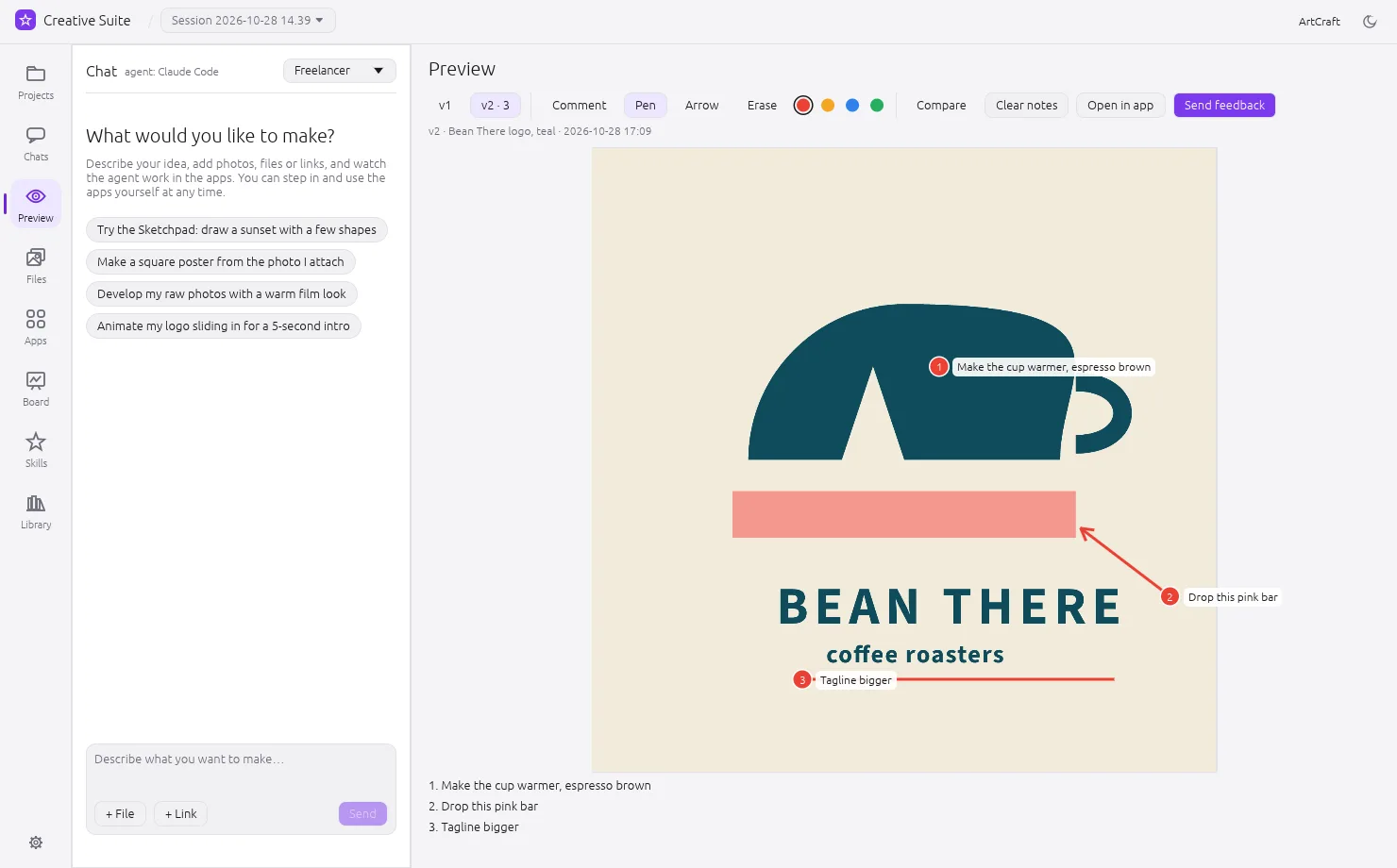
Each result lands on the Preview screen as a version. Pin comments, draw arrows, send notes.
The Files screen holds everything the project made, with when and which chat. Edit reopens any file.
Some things are faster to draw than to describe. Boxes, arrows, notes and pictures on the board become part of your prompt. The agent works from the sketch and can draw right back on it.
No sketch, no references? It asks first, like a designer would, then puts two to four quick concepts side by side, drawn in code: SVG for marks, HTML and CSS for layouts. Pick one, or mix.
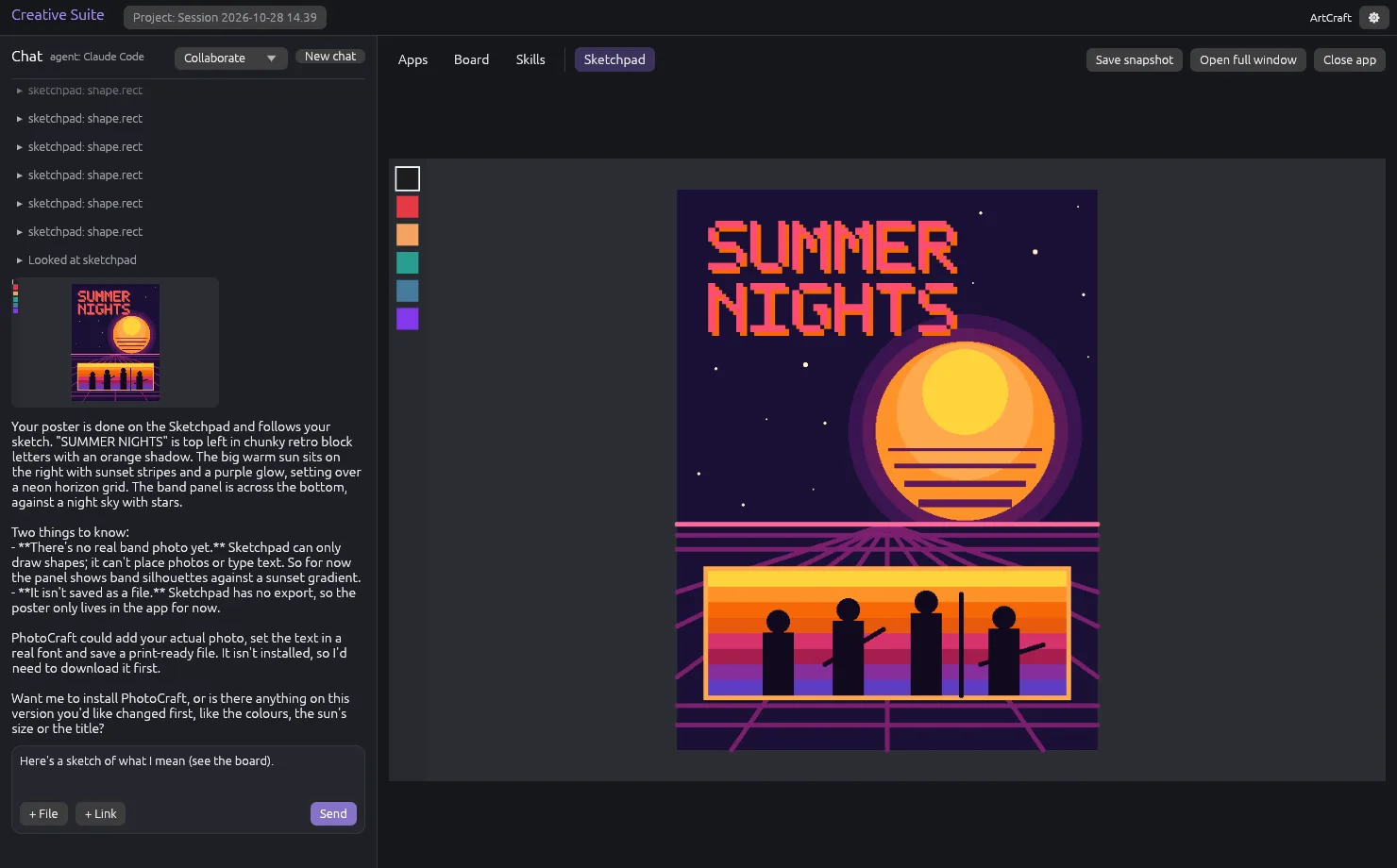
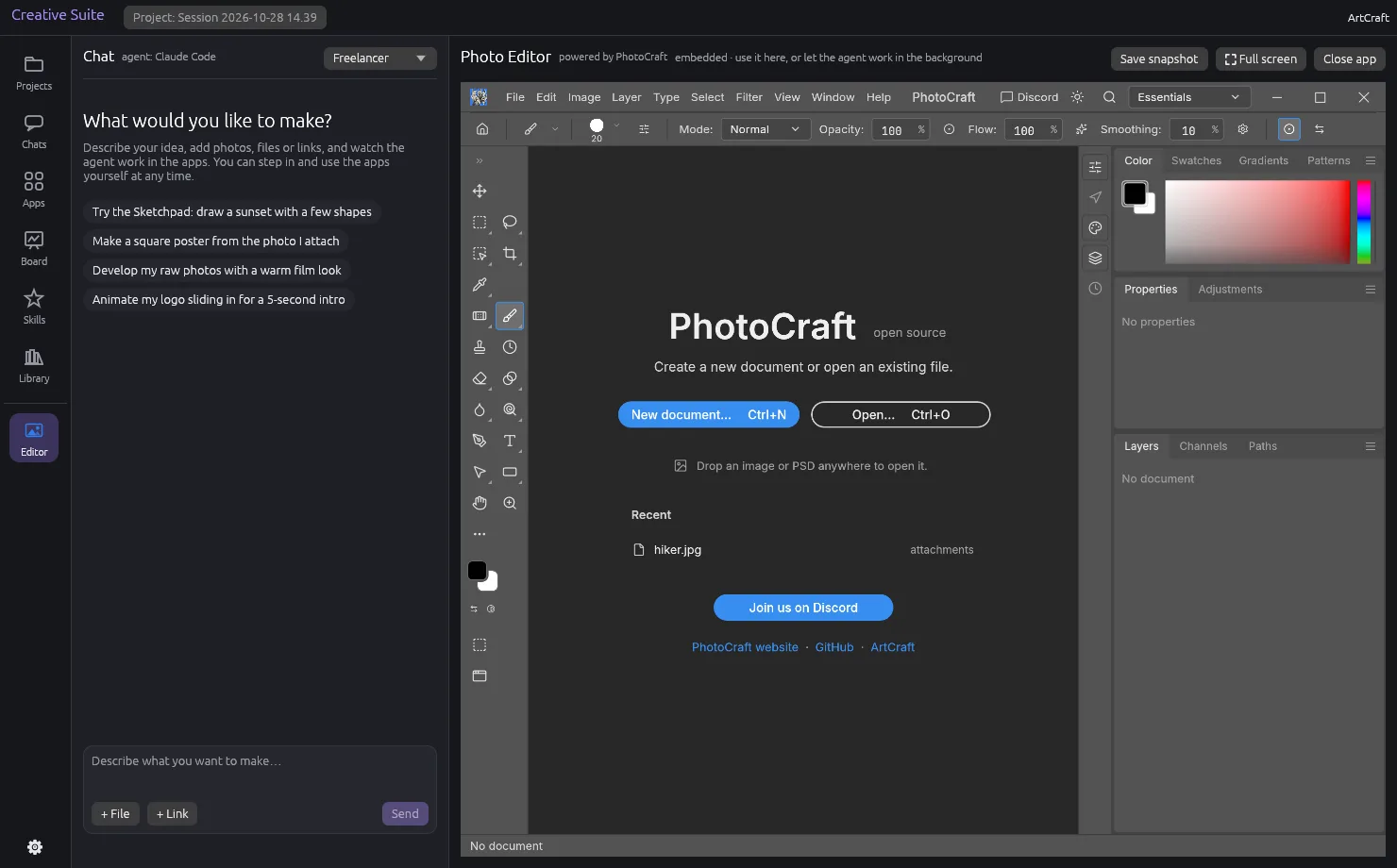
The live app view is the real app, mirrored, with every click and command shown as it happens. Click, drag or type in the same view yourself, whenever you like.
Busy with something else? The agent can use the app's background engine instead, with no window in your way, and hand you each result as a version.
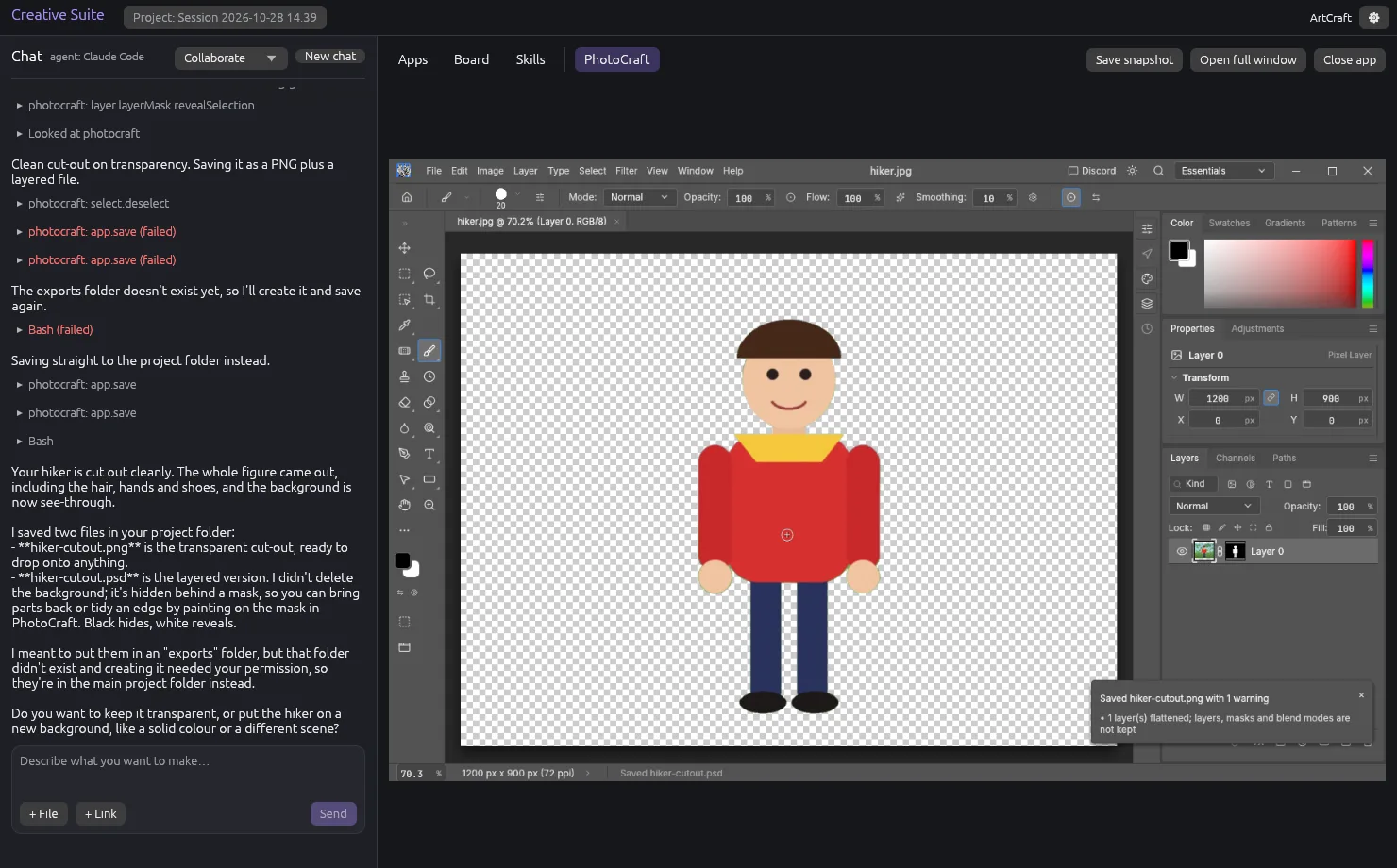
Open an app, run a command, read the screen, draw on the board: each is a suite tool anyone can call. There are no hidden side doors.
Every result lands on the Preview screen as a version. Pin a comment, draw an arrow, point at exactly what you mean, then send it all back in one go. The agent works through each note, and the next version shows up beside the last, so you can compare.
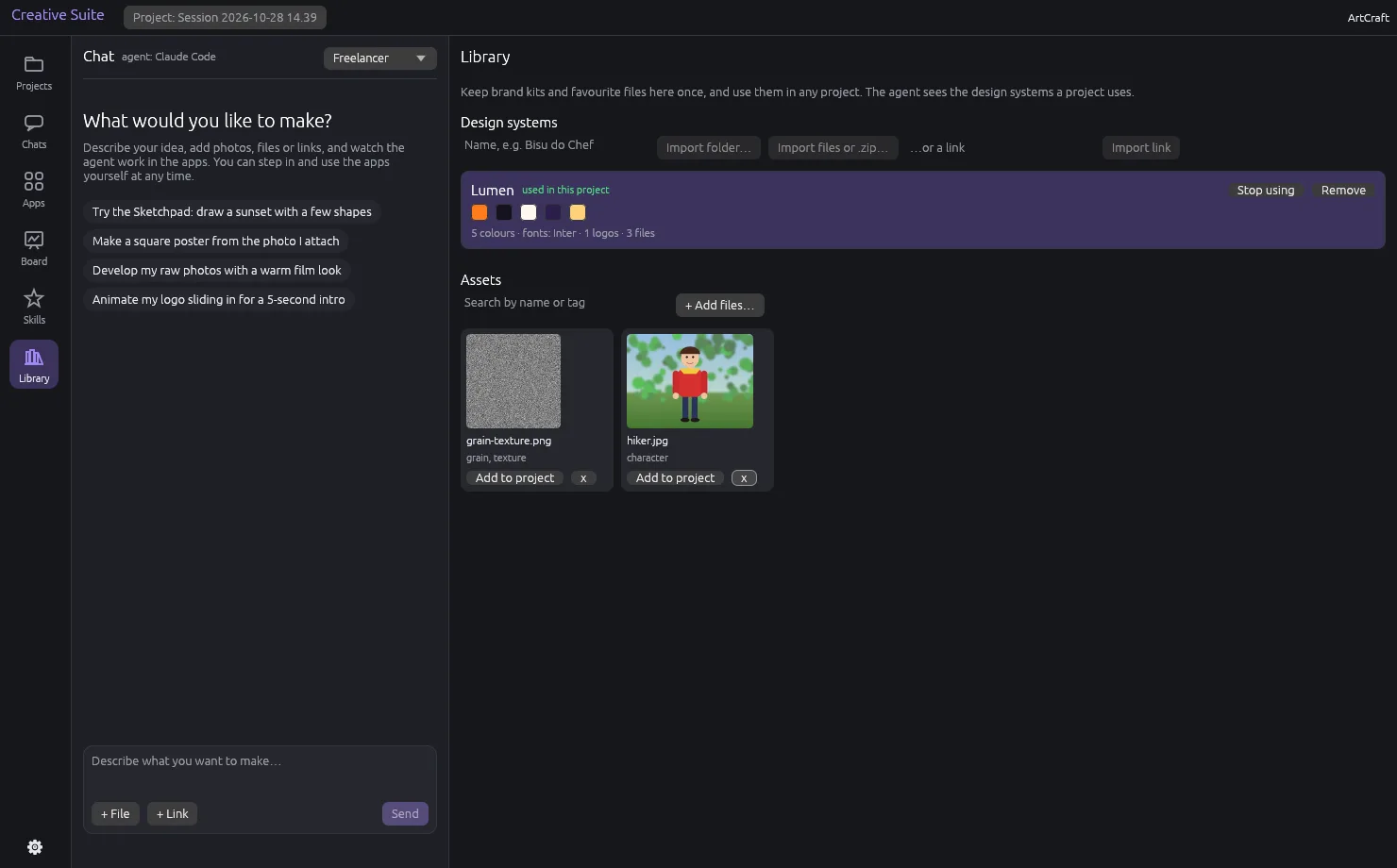
Import a brand's design system once, from a folder, a zip or a link: logos, fonts, colour tokens, guidelines. Switch it on in any project and the agent works inside it, with the right logo and the right colours, without being told twice.
Skills capture how you like things done: a poster workflow, an export checklist, a voice. Create them in the suite, share them as one file, install ones the community made.
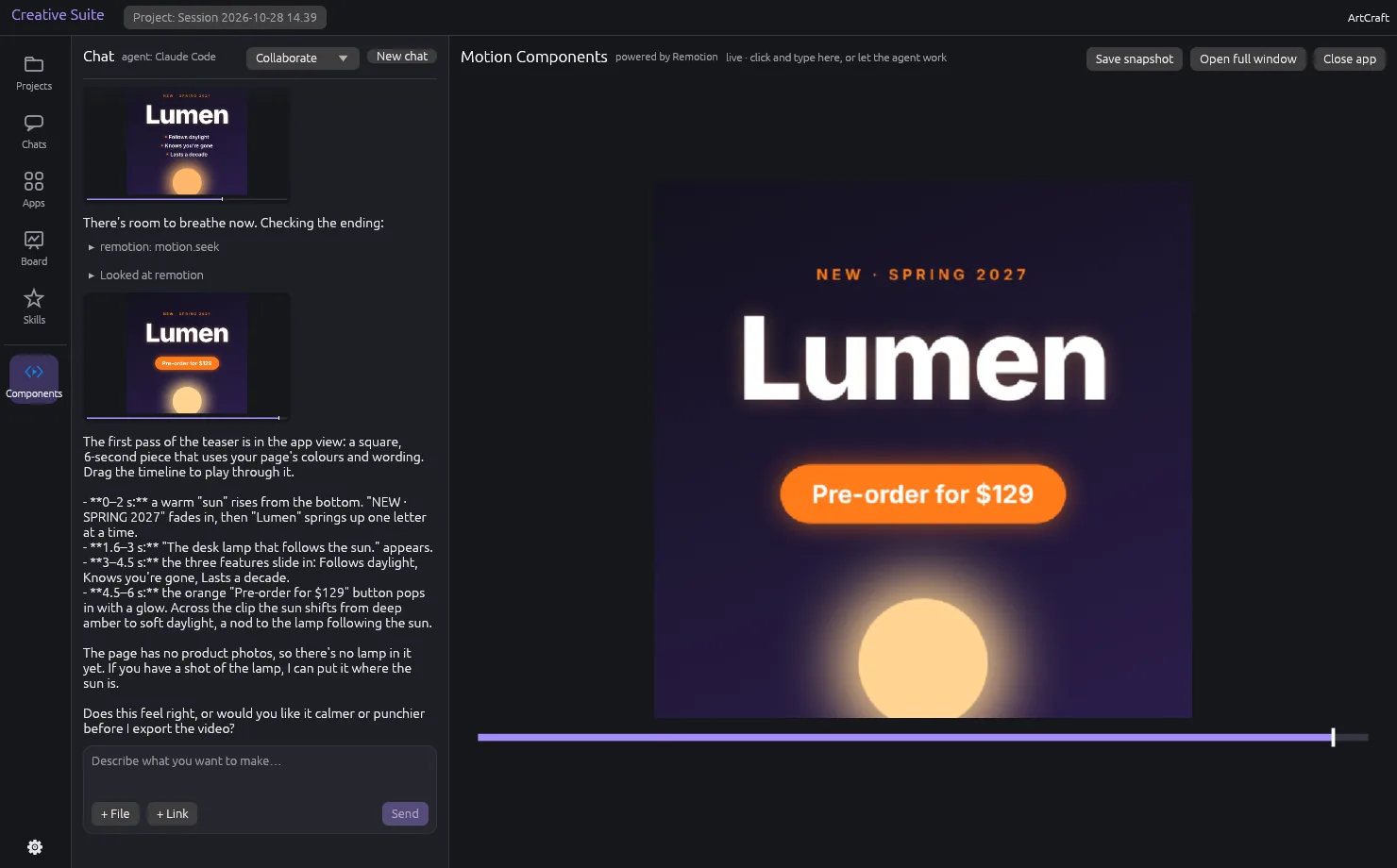
Each one is a full program with its own engine, running in its own pane inside the suite. F11 takes it full screen. Some ship in the installer; the rest install the moment you, or the agent, need them.
Layered image editing — retouch, composite, paint. Opens and saves PSD.
 PhotoCraft
Photo library and raw developer, from import to final look.
 LightCraft
Motion graphics and visual effects — light, particles, film-grade finishing.
 EffectCraft
Video written as React and CSS, rendered with Remotion.
Vector illustration — logos, marks, layouts. Recolour and export anything.
 VectorCraft
A built-in demo canvas. Try the whole suite with nothing to install.
Or install an app from a release file, build it from source, or link a copy you already have.
Whatever your agent speaks, the suite answers: every tool is reachable over MCP, the CLI or the control channel. Pick yours in Settings; Automatic finds what's available.
Then choose how it works with you: Collaborate, Brainstorm, Freelancer, Coach or Critic.
A native app that puts real creative apps and an AI agent in one window. You chat and sketch; the agent works in the real apps while you watch, or you drive them yourself.
Claude Code, pi, the built-in Claude loop, and anything that can run a command or speak JSON. Claude Code connects over MCP, pi through its bash tool, and everything else through the CLI or the control channel.
Photo Editor (PhotoCraft), Photo Lab (LightCraft) and Motion Components ship in the installer, and the Sketchpad demo canvas is built in. Motion Studio (EffectCraft) and Vector Editor (VectorCraft) install from the app grid the first time you, or the agent, need them.
Yes: every app is a full program you can open from the rail and use directly. The agent is there when you want it, never required.
Nothing: the suite and the Craft apps are open source, under MIT OR Apache-2.0. Motion Components uses Remotion, which is free for individuals and companies up to three people.
On your machine, in your project folder. The Files screen lists everything a project made, when, by whom and in which chat, and reopens any file in its app, even the editable source behind an export.
Grab a build from the releases page. The installer brings the suite and three apps; the rest arrive when you ask for them.
Universal disk image — drag Creative Suite to Applications.
creative-suite-<version>-macos-universal.dmg
AppImage for any distro, plus .deb and .tar.gz.
creative-suite-<version>-linux-<arch>.AppImage
Pure Rust. Linux needs libxkbcommon-x11 and OpenGL.
cargo run -p creative-suite
The suite and all four Craft apps in one image, run from your browser.
docker compose -f docker/compose.yaml up
Say what you want. Sketch it if words run out. Watch it come together.
Download from releasesgit clone https://github.com/ribeirorod/creative-suite && cd creative-suite && cargo run -p creative-suite
Paste it in a terminal. Pure Rust: macOS universal, Linux AppImage, deb, tar.gz.